18+ADULT AI VIDEO · 18+ ONLY
Turn one idea into
a scene with tension.
smutai is an Adults 18+ AI video generator for short, intentional scenes. Begin with your own words or an authorized image, direct the subject and camera separately, then refine the result without rebuilding the whole concept.
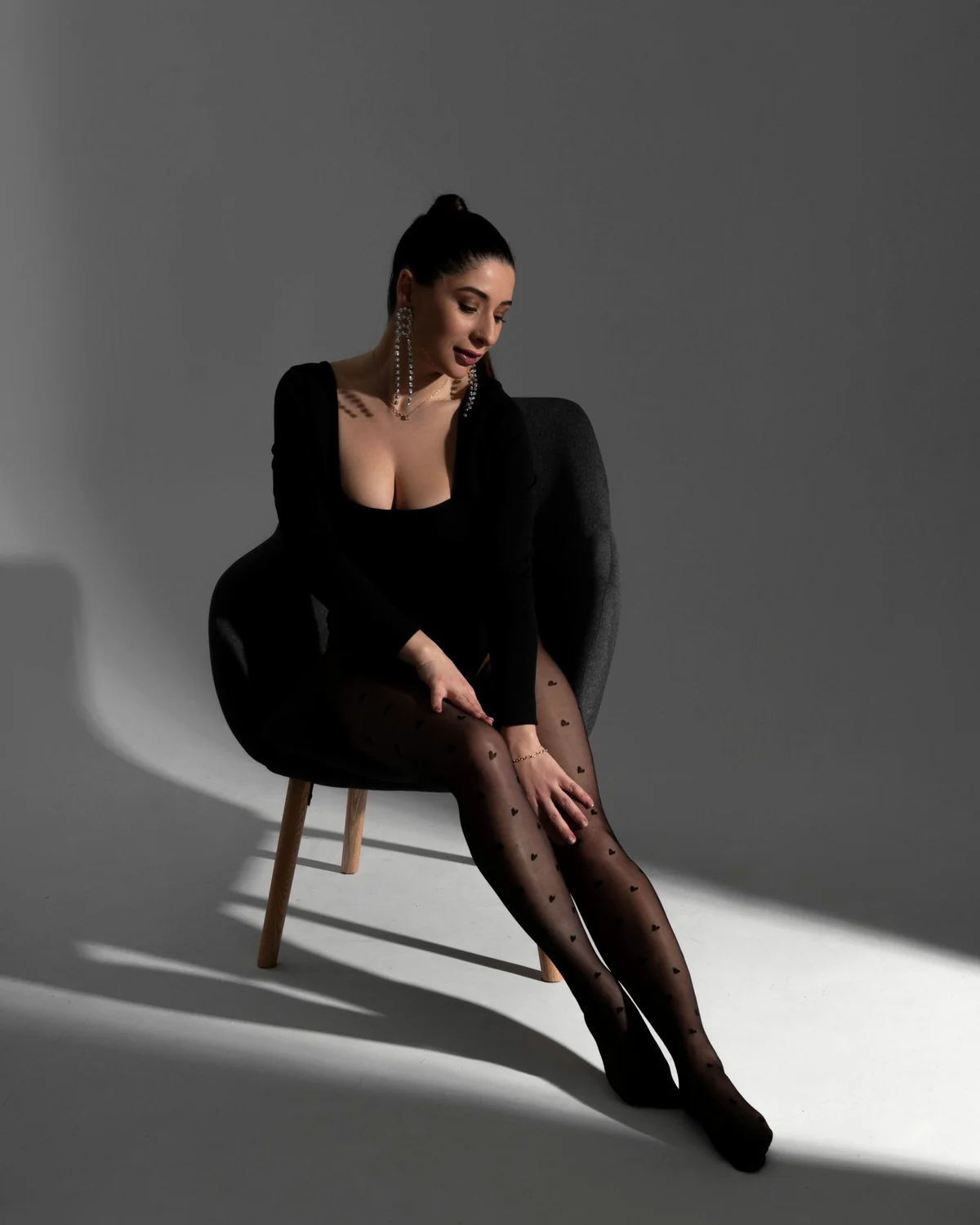
Slow head turn · locked frame · warm rim light
9:16 · SHORT VIDEOsAI VIDEO
18+ ONLY
18+ ONLY
01 / WHAT SMUTAI DOES
A focused adult video workspace, from first frame to final motion.
smutai brings two common starting points into one clear process. Text to video is for a scene that does not exist yet: describe the adult subject, setting, action, camera and light. Image to video is for a composition you already like: upload an image you are permitted to use, then describe the movement that should develop from it.
The useful difference is control. Instead of asking for several actions, cuts and camera moves at once, smutai helps you build a readable shot around one subject action and one camera direction. That makes a short result easier to inspect, compare and improve.
02 / HOW IT WORKS
Build the scene in four decisions.
A compact brief gives the generator fewer conflicts to solve. Make each decision visible before you create.
- 01↘
Choose the source
Write an original scene or add a sharp image that you own or have permission to process.
- 02↘
Name the action
Describe one readable movement: a turn, a step, a change of pose or a controlled fabric response.
- 03↘
Direct the camera
Keep the camera locked, or choose one move such as a slow push, track or orbit.
- 04↘
Review the output
Check face, hands, edges, background motion and pacing. Keep the stable choices and revise one variable.
03 / CREATIVE MODES
Different inputs. Different kinds of control.
Each smutai mode answers a different creative need. Pick the one that matches what is already decided in your idea.
 01
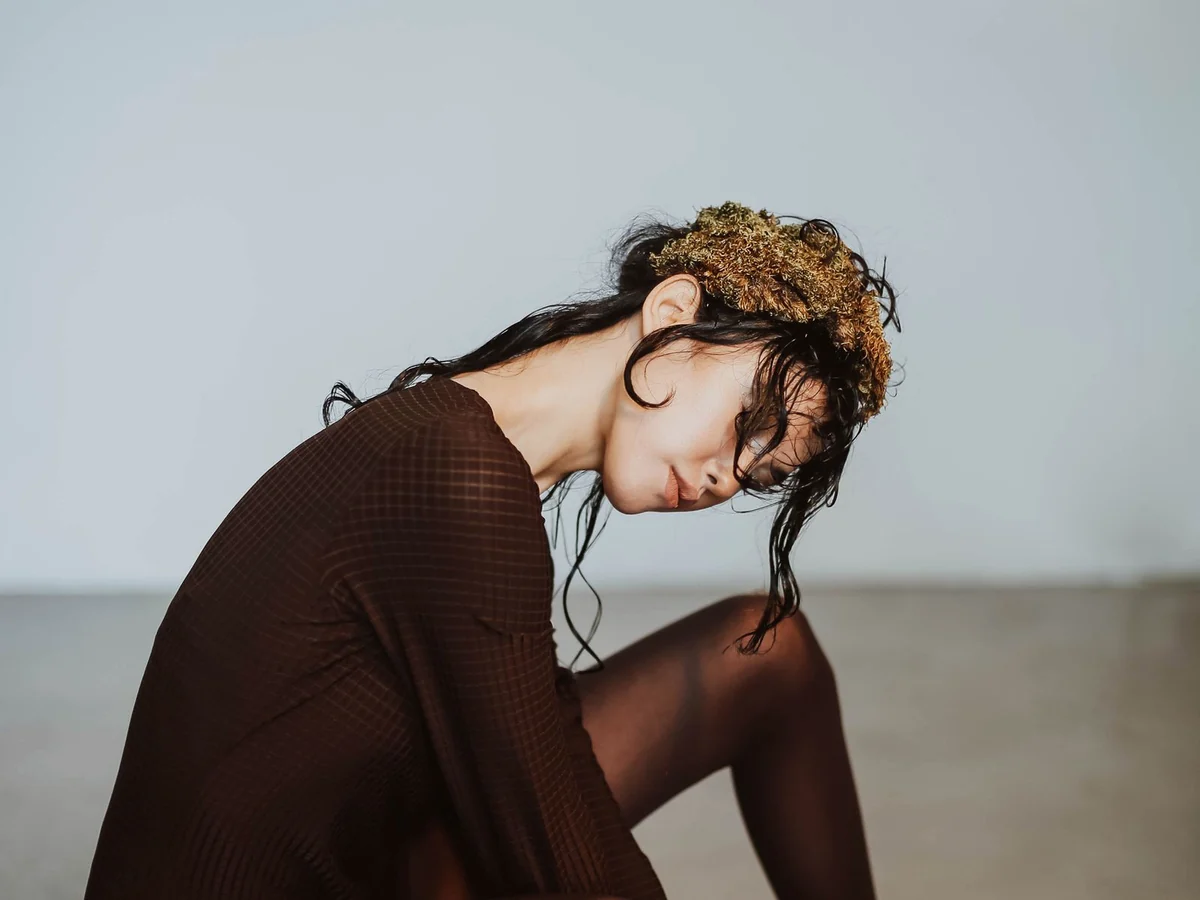
01TEXT → VIDEO
Invent the whole frame
Describe a new adult scene from the ground up, including setting, wardrobe, action, framing and light.
Best when you need a fresh composition rather than preserving an existing face or pose.
↗ 02
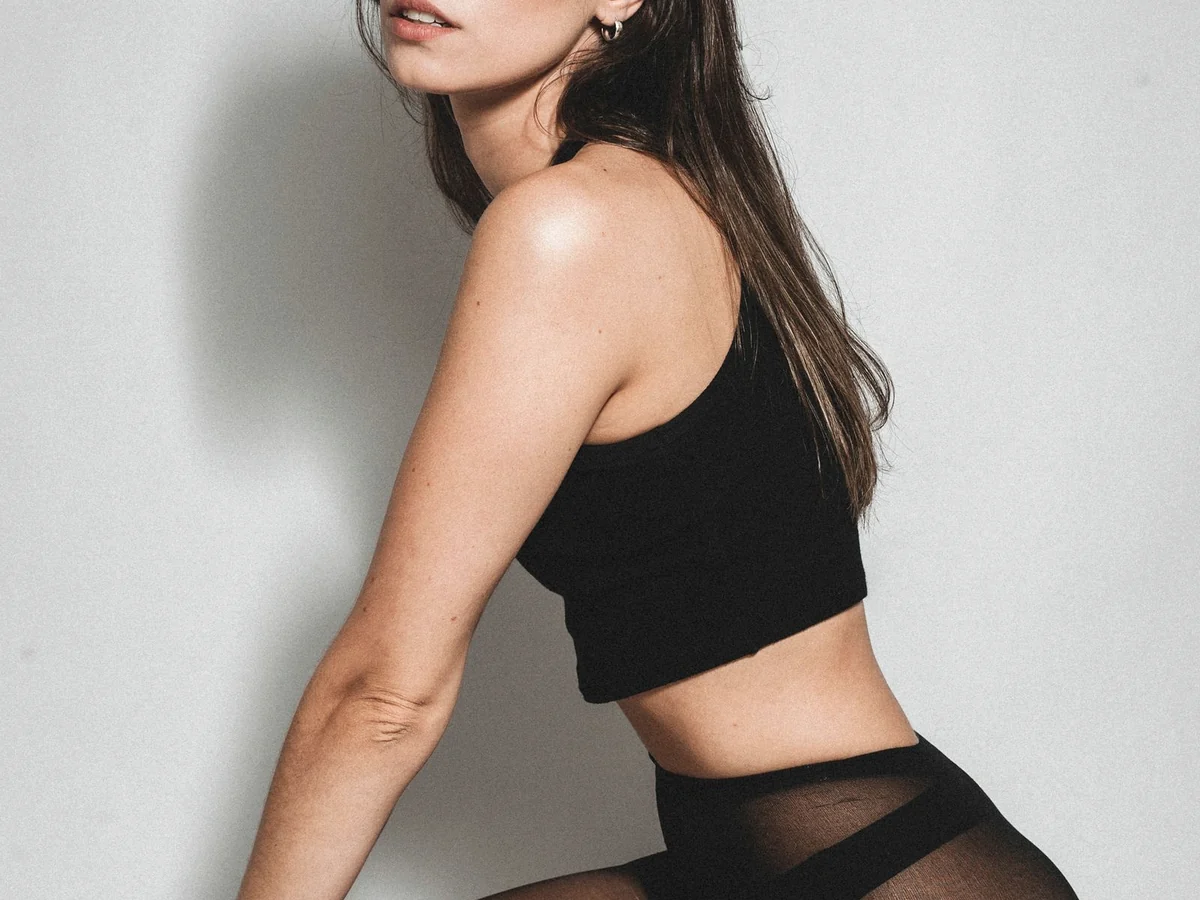
02IMAGE → VIDEO
Animate a chosen composition
Start from an authorized portrait or full-body frame and add one clear subject movement.
Best when the opening look already matters and the motion should stay close to it.
↗ 03
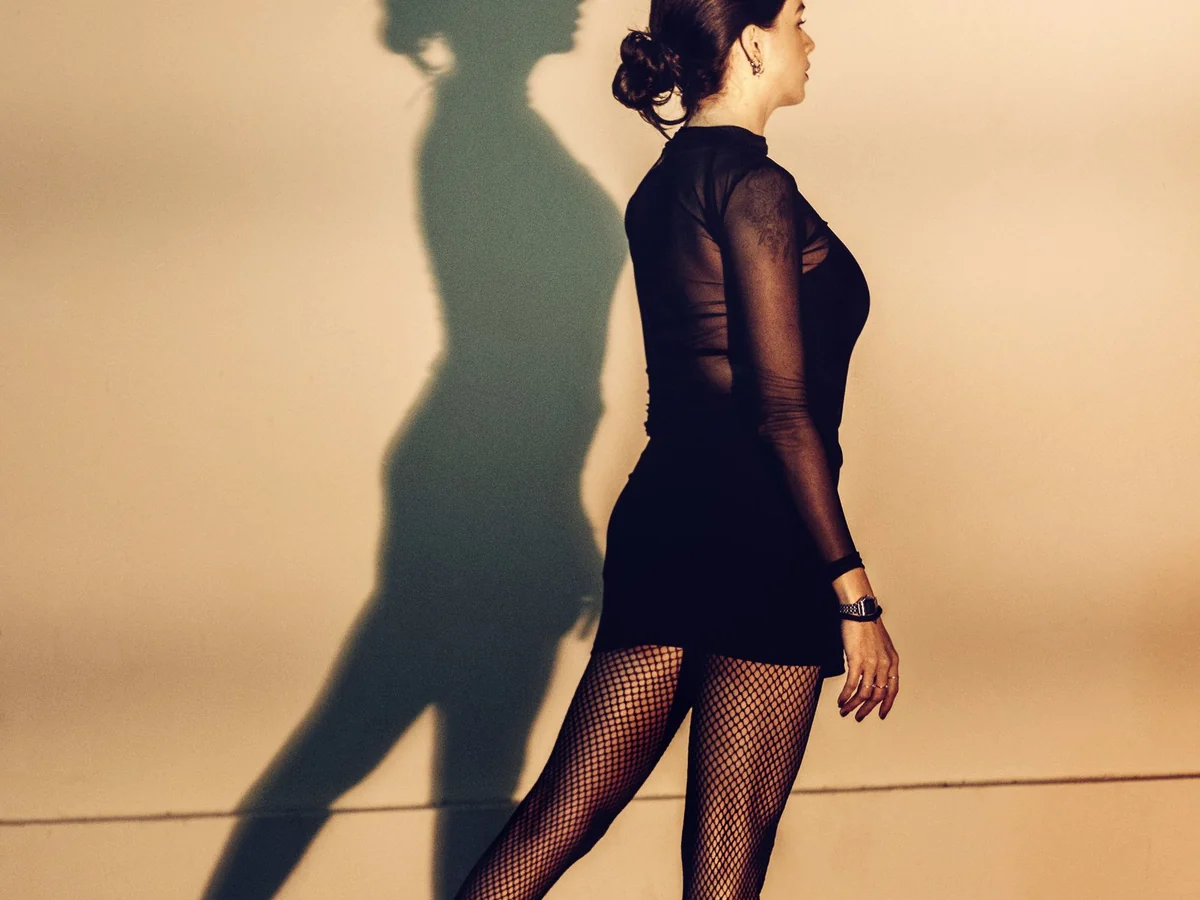
03MOTION DIRECTION
Separate subject from camera
Write what the subject does independently from how the camera observes the action.
This reduces contradictory motion and makes a failed attempt easier to diagnose.
↗04 / SCENE BUILDER
See the brief before you generate.
The smutai scene builder keeps the important choices together. Read the subject, action, camera, framing and light as one shot; remove anything that asks for a second scene.
Open the generator↗Adult performer in a dark studio, turns toward the lens, subtle fabric movement, slow camera push, warm edge light, uncluttered background.
SUBJECT · ADULT PERFORMERACTION · SLOW TURNCAMERA · DOLLY INFRAME · 9:16
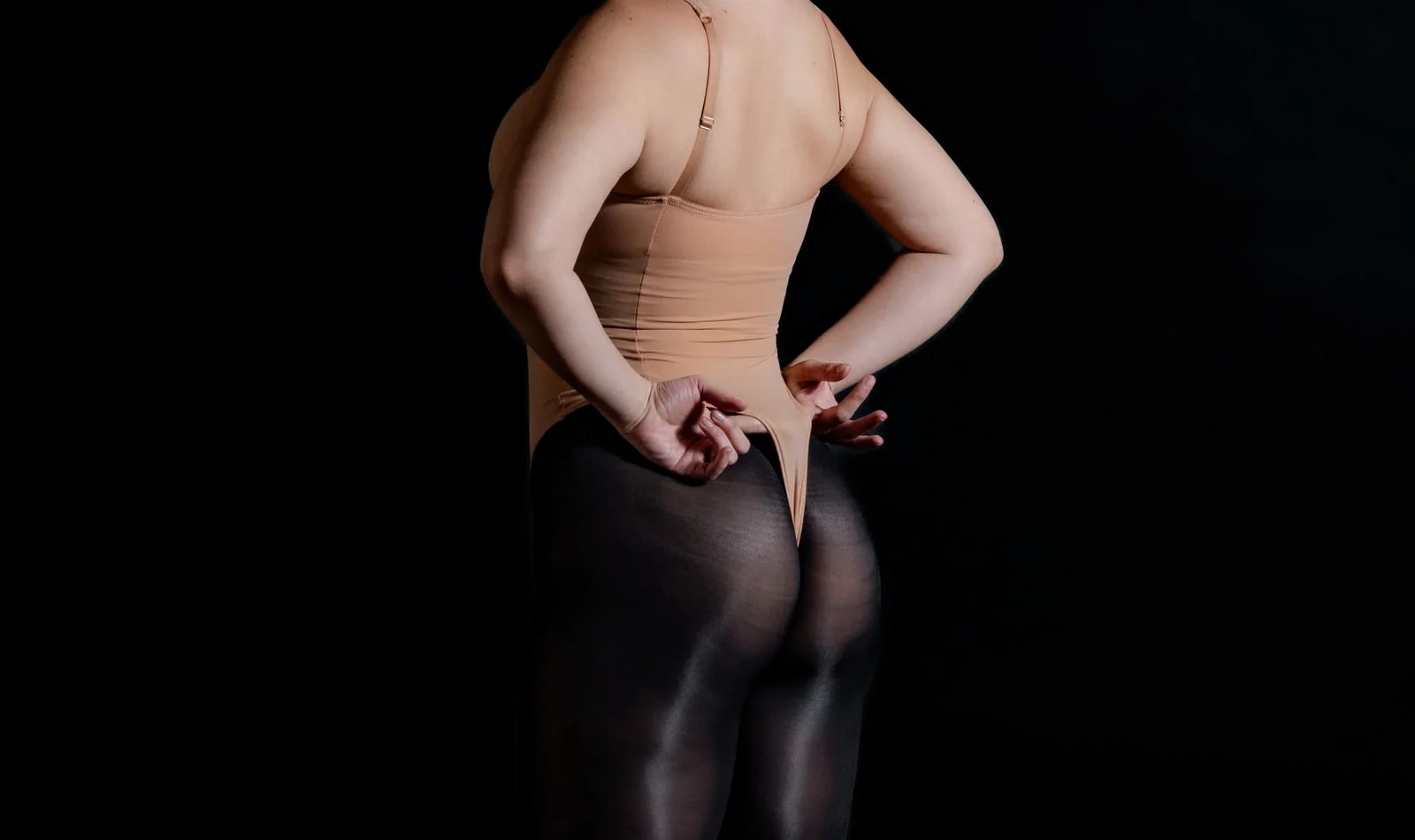
One subject, one movement and one camera direction form a brief that can be compared across attempts.
05 / BETTER INPUTS
Give smutai instructions it can actually separate.
Good direction is concrete and visible. Avoid language that describes a mood without telling the shot what to do.
USE THISAVOID THIS
01Subject
✓One clearly adult subject, readable face and silhouette
×Several people overlapping or entering at once
02Movement
✓One slow turn with a small change of pose
×Dance, spin, walk and change outfits in one shot
03Camera
✓Locked camera or one slow dolly forward
×Zoom, orbit, whip-pan and cut between angles
04Image source
✓Sharp authorized image with space around the body
×Blurred crop, hidden hands or a crowded background
06 / FRAME THE RESULT
Choose the destination before the motion.
Framing changes how much movement fits in a shot. smutai works best when the source composition, action and final use point in the same direction.
Open smutai↗9:16 vertical
Use for a single standing or seated subject and motion that reads clearly on a phone.
1:1 square
Use for centered portraits, compact pose changes and compositions with limited side travel.
16:9 wide
Use when the setting, entrance direction or lateral camera movement needs more room.
What is smutai?+
smutai is an Adults 18+ AI video generator for creating short, directed scenes from an original text prompt or an authorized image.
Can I start with text or an image?+
Yes. Use text to define a new scene. Use image to video when you want the opening composition, subject and visual identity to come from an authorized source frame.
What should an image input look like?+
Choose a sharp image with a clearly adult subject, readable face and body outline, enough room for the intended movement, and a background that does not compete with the subject.
How do I write a useful smutai prompt?+
State the adult subject, setting, one action, one camera direction, pace, light and frame. If the request contains several scenes, divide it into separate generations.
What if the result becomes unstable?+
Keep the source and frame fixed, remove extra actions, simplify the background, and revise one choice. Comparing one change at a time shows what improved the shot.
Who can use smutai?+
smutai is intended only for adults aged 18 or older. Use consenting adult subjects, original fictional ideas and media you are authorized to process.
READY FOR THE NEXT FRAME?
Make the direction clear. Let the scene move.
Start with one strong idea, choose the right input mode, and turn it into a short smutai scene you can review and refine.
s